 Michaël Fery

Bookfolio
Track your reading, manage your book collection, and sync — offline first.
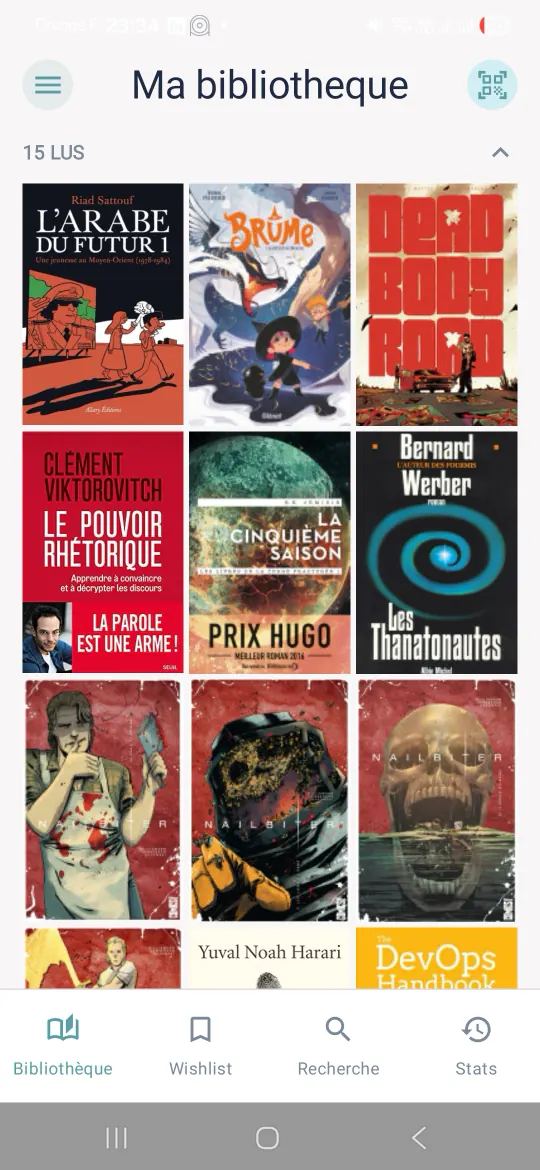
What it changes
-
Your library, no account needed
It works entirely on-device. No account is required to get started.
-
A book added in seconds
By title, author, ISBN, or by scanning its barcode. Details come from Google Books, with Open Library as a fallback.
-
Where you stand, at a glance
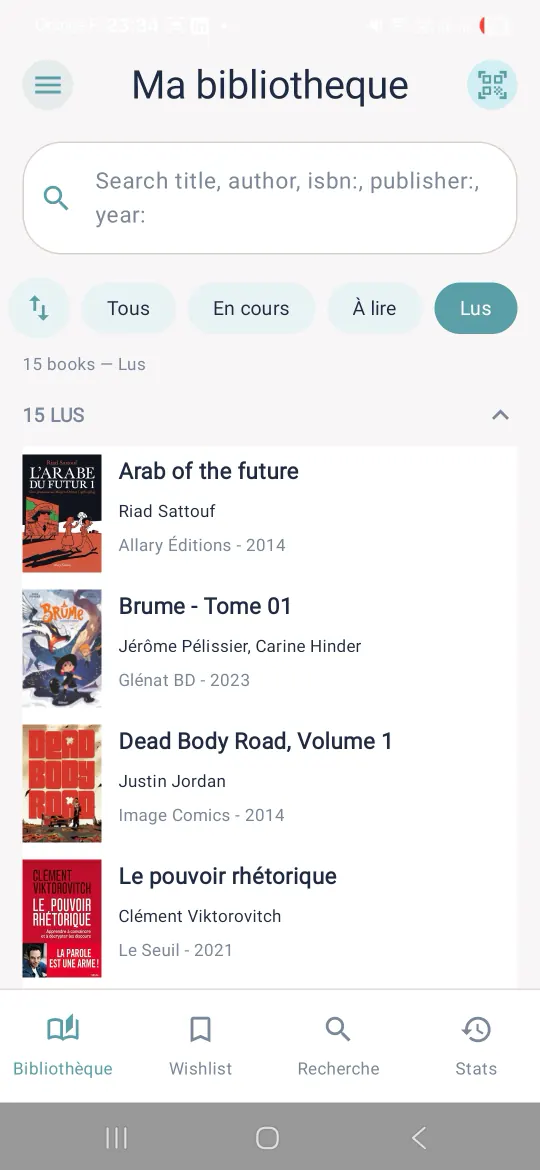
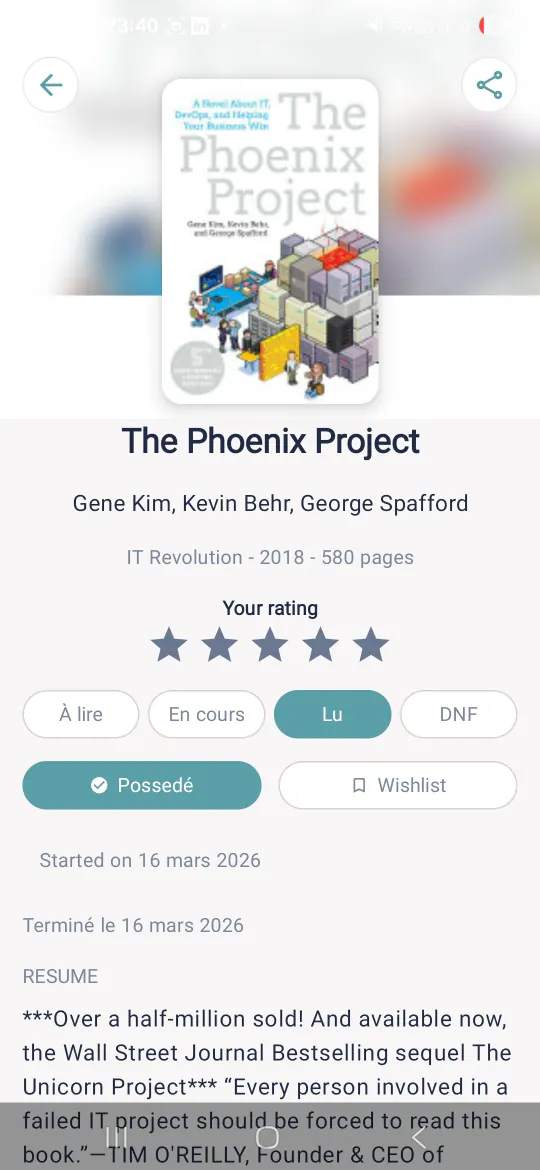
Four statuses: To Read, Reading, Read, DNF. Page progress, and a Continue Reading section to pick up where you left off.
-
Your reading journey
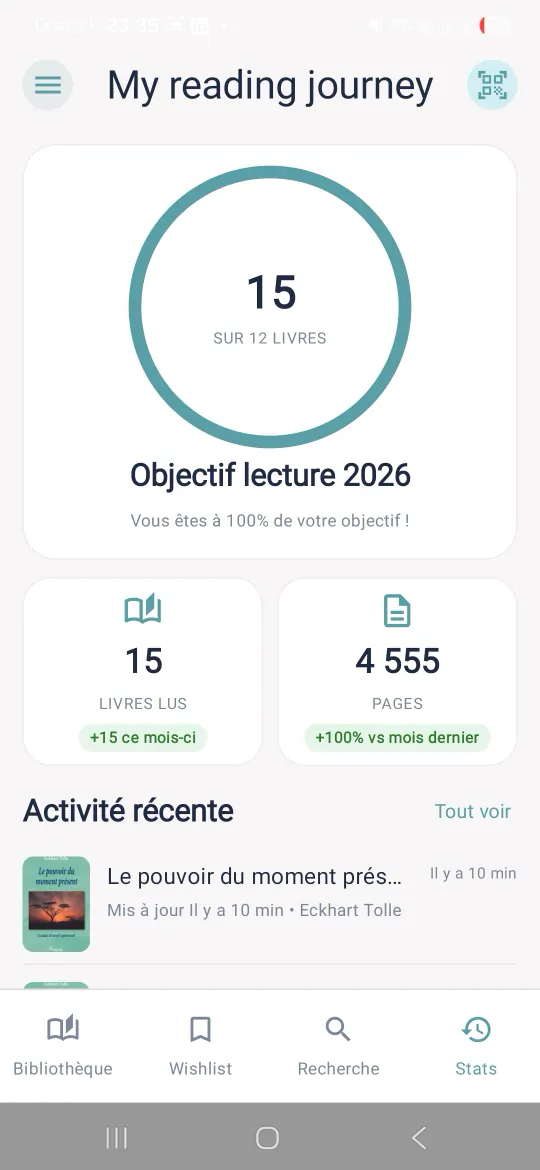
A yearly goal, books and pages read in Stats, a timeline of your changes, and a 5-star rating.
-
On your other devices, if you want
Google sign-in is optional: your library is backed up to a private folder in your Google Drive, and your statuses, ratings and progress follow you from one device to the next.
How it works
You look a book up by title, author or ISBN, or scan its barcode.
You give it a status: To Read, Reading, Read, DNF. You log your pages, your rating, your notes.
Stats shows your goal for the year and your journey. Google sync is there if you want it.
Screenshots
The ones from the Google Play listing. The interface mixes French and English.
Your data
Your library is saved locally first: it works without a Google account. If you turn sync on, it is copied to a private folder in your own Google Drive, and nowhere else. There is no Bookfolio server. Android also keeps an encrypted backup of it, as it does for your other apps; you can turn that off.
What leaves the device: the terms you type to search for a book, sent to Google Books (and to Open Library as a fallback), and the cover images it downloads.
The permissions it asks for
- Camera: scanning a barcode, nothing else. Requested only when you open the scanner. Without a camera, typing the ISBN finds the same book.
- Notifications: local, optional reading reminders, off whenever you like.
- Internet and network state: book search, covers, Google sync.
- Google Play purchases: the tip jar and the supporter badge, in Settings. Nothing is required.
- Vibration: feedback when a barcode is read.
Telemetry
Bookfolio ships Firebase Analytics and Crashlytics, disabled by default. They send nothing until you turn them on, during onboarding or in Settings, and you can turn them off at any time. The advertising identifier is removed from the app. No ads.
Questions
Do I need a Google account?
No. Your library is saved locally first and works without a Google account. If Drive sync is off, your data stays on this device.
What does Google sign-in sync?
A complete archive of your library and settings, plus, book by book, the status, dates, progress, rating, notes, wishlist and ownership, merged both ways between your devices. All of it goes to the app's private folder in your Google Drive. The authorization asked of Google is limited to that folder: not your name, not your e-mail, not the rest of your Drive.
What if there is no camera?
The scanner is a shortcut, never the only way in: typing the ISBN finds the same book. A tablet or a Chromebook without a camera can install the app.
Does Bookfolio track my usage?
Only if you turn it on. Firebase Analytics and Crashlytics are disabled by default; the events sent, if you enable them, carry no personal data and no book content.
Where is the wishlist?
It is off by default. Enable the wishlist feature in Settings: the books you mark appear there, and an optional wishlist reminder exists.